
Features
Privacy: your scans stay with you
Setrik Scan keeps everything you scan on your iPhone. It never sends your scans to us, to Apple, or to anyone. We can’t see them, and we couldn’t if we wanted to.
Everything stays on your iPhone. Setrik Scan never sends your scans to us, to Apple, or to anyone.

The questions people ask first
Where your scans live, and who can see them
Where do my scans live?
Only on your iPhone, in Setrik Scan’s private storage. They don’t even show up in the Files app unless you save them there.
Who can see them?
Only you. A scan leaves your iPhone only when you share or export it yourself.
Can the developer see them?
No. There’s no account and no server. Setrik Scan never sends your scans to us, to Apple, or to anyone.
Face ID lock
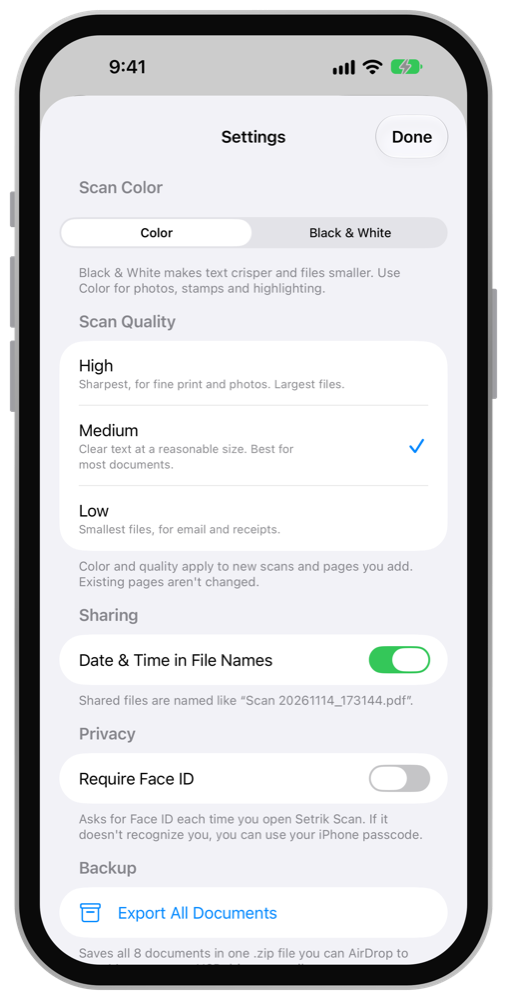
Lock the app with Face ID
Turn on Require Face ID in Settings, and Setrik Scan asks for Face ID (or your iPhone passcode) every time it opens. Your documents are also hidden in the app switcher, so no one sees them over your shoulder.
Setrik Scan only learns whether the check passed
It never sees or stores your face data
Optional: turn it on or off any time
Everything happens on your iPhone
Nothing to upload, nothing to sign up for
Text recognition reads your pages on your iPhone. The words are never sent anywhere.
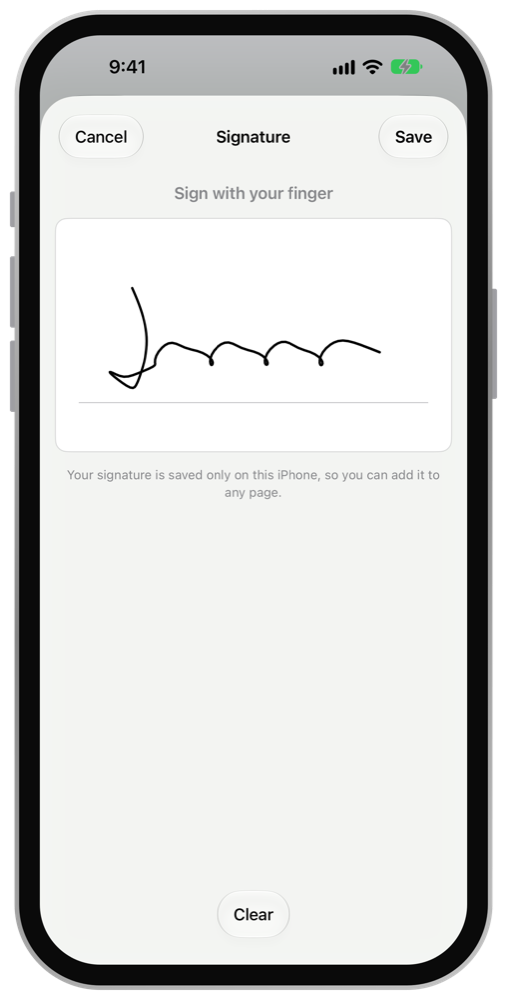
Your saved signature stays in the app’s private storage.
The camera is used only to scan, and pages are processed on your iPhone.
No account, no ads, no analytics, no tracking. The App Store privacy label says Data Not Collected.
Works offline. Setrik Scan doesn’t need the internet for anything.
All the details are in our privacy policy.
Use it for
Where this comes in handy
Medical results
Lab results and visit summaries that are nobody’s business but yours.
Insurance cards
Both sides of every card, locked behind Face ID.
Tax papers
Receipts and forms with numbers you’d rather keep private.
More features
Works well with
Private, the way it should be
Your scans stay on your iPhone. Always.