
Features
Sign and Mark Up: an electronic signature app with no printer
Scan a form, add your signature and today’s date, and send it back, all from your iPhone. Your saved signature never leaves your phone.
Everything stays on your iPhone. Setrik Scan never sends your scans to us, to Apple, or to anyone.

How it works
Signed and sent in about two minutes
1
Scan the form
Scan every page of the form into one document.
2
Sign it
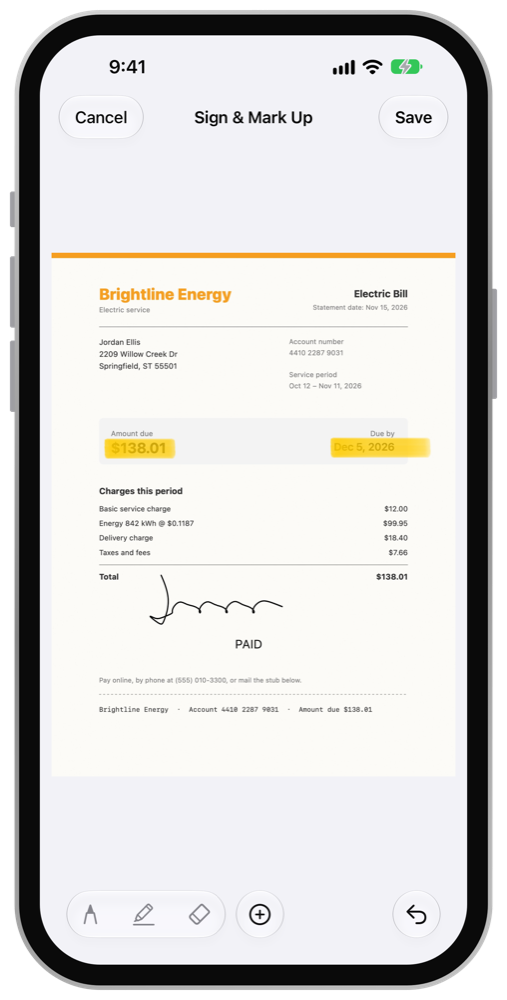
Tap Sign, then add your saved signature, today’s date, and any text or checkmarks the form needs.
3
Send it
Share the signed PDF by email, Messages, or AirDrop. No printer, no scanner, no trip to the office.
Your signature
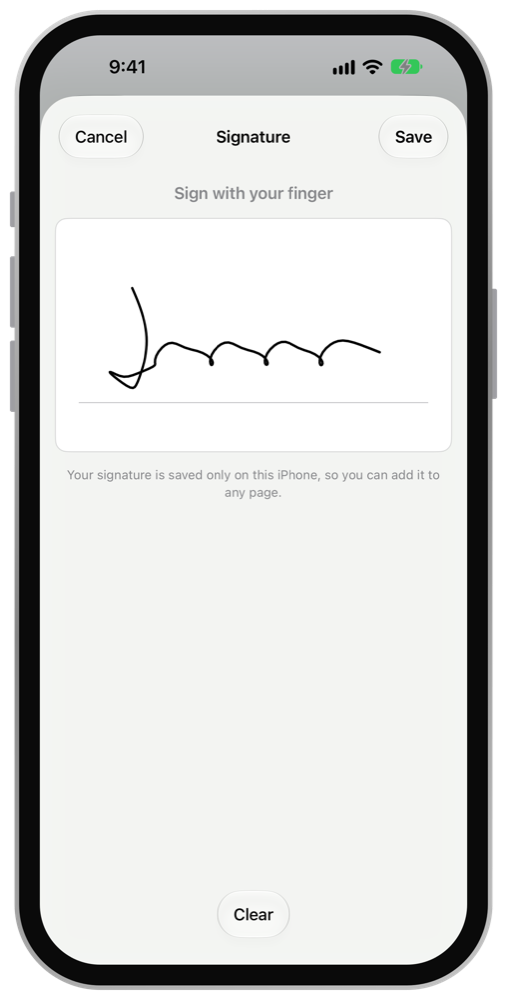
Draw your signature once
Draw it with your finger the first time, and Setrik Scan saves it for next time. Then it’s one tap to place it on any page.
Saved only on your iPhone, in the app’s private storage
Added to a document only when you place it
Never uploaded or shared with anyone
Mark up
Fill in, check off, and highlight
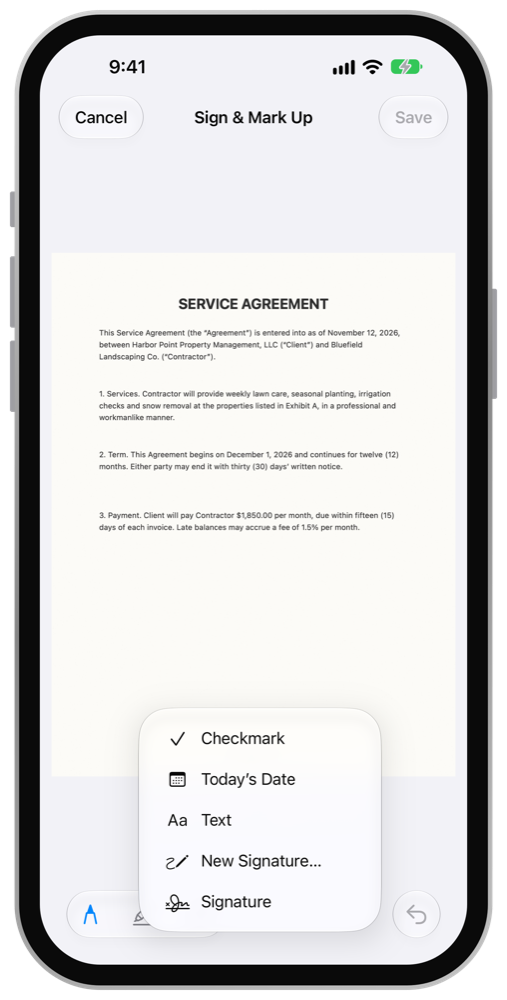
Tap Add to fill in a form or make notes on any page.
Text: type a name, an address, or a note. Typed text stays searchable.
Today’s date in one tap
Checkmarks for boxes on a form
Pen and highlighter to circle or highlight what matters
Use it for
Where this comes in handy
Permission slips
Sign the slip from the car and send it to the teacher before drop-off.
Leases and rental forms
Sign and return paperwork for a new place without printing a thing.
Work and job sites
Sign an estimate or agreement on the spot and send it to the customer.
More features
Works well with
Sign it without a printer
Scan the form, add your saved signature, and send the PDF.