
Features
Search: an OCR receipt scanner that finds any word
Setrik Scan reads the words on every page you scan, using text recognition (often called OCR) right on your iPhone. So you can find an old receipt by the store, an item, or the total, even if you never named it.
Everything stays on your iPhone. Setrik Scan never sends your scans to us, to Apple, or to anyone.

How it works
Type a word. Find the document.
1
Scan as usual
There’s nothing to set up. Setrik Scan reads the words on each page as you scan it.
2
Search for anything
Type a store name, an amount, a doctor’s name, or an account number into Search.
3
See the match
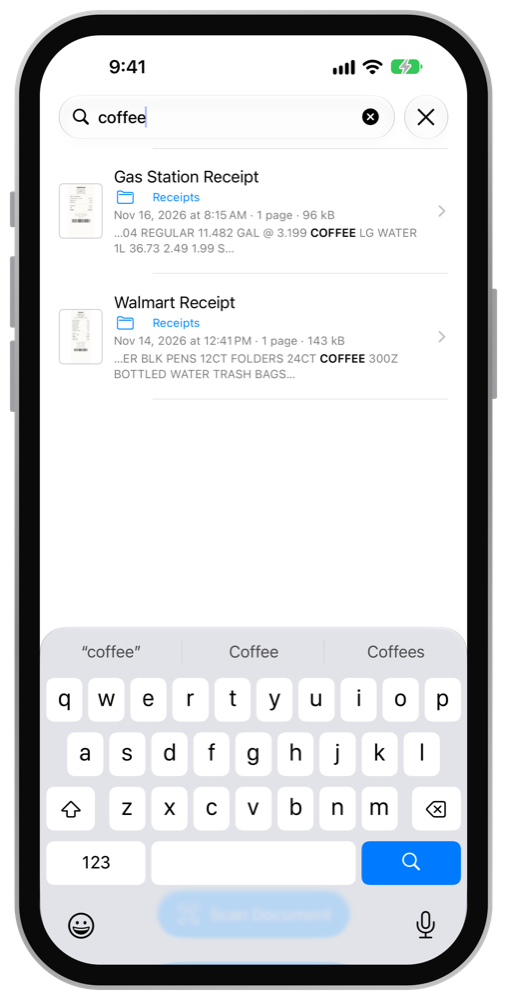
Setrik Scan lists every document with that word and shows the line where it found it.
Not just names
Find documents by what’s on them, not what you called them
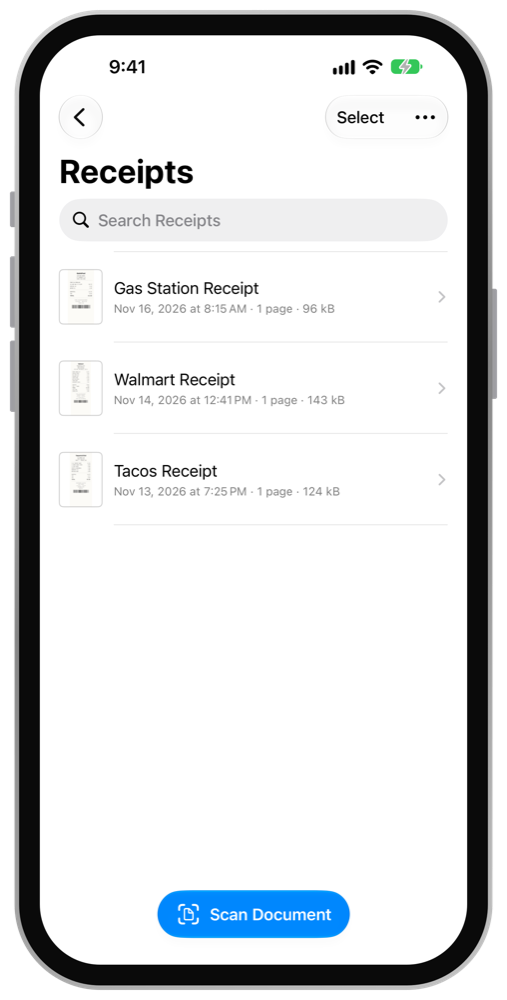
Most scanner apps only search the names you type. Setrik Scan searches the words printed on the page. Search for “coffee” and it finds the gas station receipt and the Walmart receipt where coffee was on the list, and shows you each matching line.
Find a receipt for a return by the store or the item
Find a bill by its account number while you’re on the phone with the company
Find a lab result by the doctor’s or clinic’s name
Searchable PDFs
The PDFs you share are searchable too
When you share a document, the PDF carries the words Setrik Scan read, so the text can be searched and selected on a Mac, a PC, or anywhere else you open it. Your accountant can search it. So can you, years from now.
Private by design
Your words never leave your iPhone
Text recognition happens entirely on your iPhone, using Apple’s built-in technology. The words Setrik Scan reads are never uploaded, and nothing is sent to us or to anyone else. Search works with no internet connection at all.
Good to know
Text recognition is very good with printed text. Faded, crumpled, or handwritten pages may not be read perfectly, so scan receipts early, before the ink fades.
Use it for
Where this comes in handy
Returns without the paper
Search the store name and show the receipt at the counter.
Tax time
Search a store or a category of purchase and find every matching receipt in seconds.
Calls about a bill
Search the account number on the bill while you’re on hold.
More features
Works well with
Never dig for a receipt again
Scan it today. Find it next year by typing one word.