
Features
Scanning: clean, straight PDFs from any paper
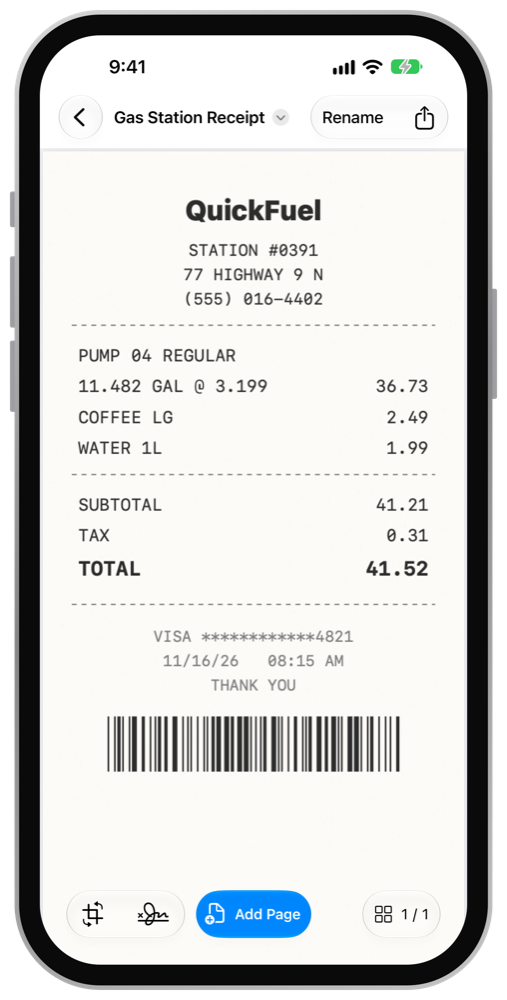
Hold your iPhone over a receipt, a bill, or a form. Setrik Scan finds the page, scans it by itself, and turns it into a crisp PDF that looks like it came from a flatbed scanner.
Everything stays on your iPhone. Setrik Scan never sends your scans to us, to Apple, or to anyone.

How it works
Three steps, a few seconds
1
Point
Tap Scan Document and hold your iPhone over the page. A yellow outline shows that Setrik Scan has found it.
2
Hold steady
Keep still for about a second and it scans by itself. Prefer to do it yourself? Tap the shutter button any time.
3
Done
The page is straightened and cleaned up into a PDF. Tap Add Page to keep going with the next one.
Multi-page documents
One document, as many pages as you need
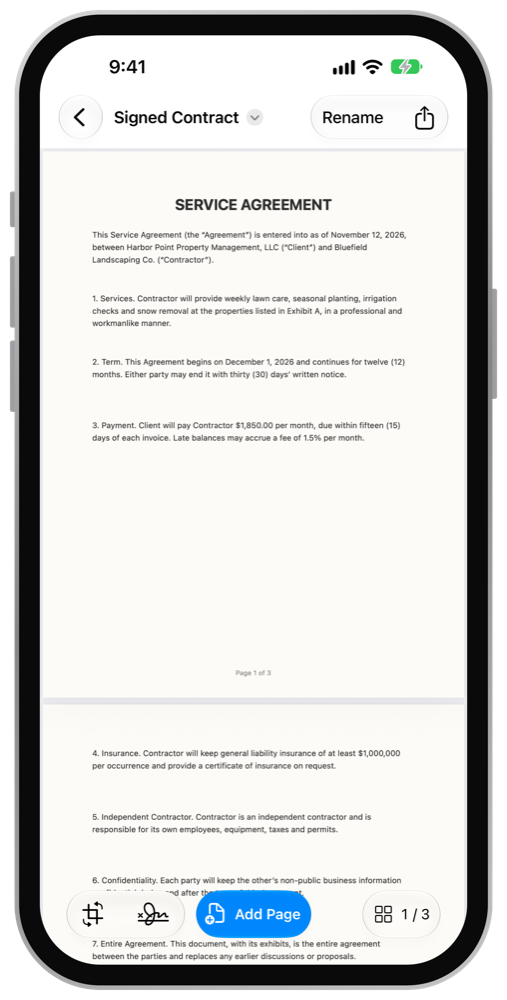
A five-page lease or a stack of medical results stays together as one PDF. Tap Add Page whenever you want to add another page, even days later.
See every page at once in the page grid
Drag pages into a new order
Delete a page you don’t need
Fix a page
Fix a page after you scan it
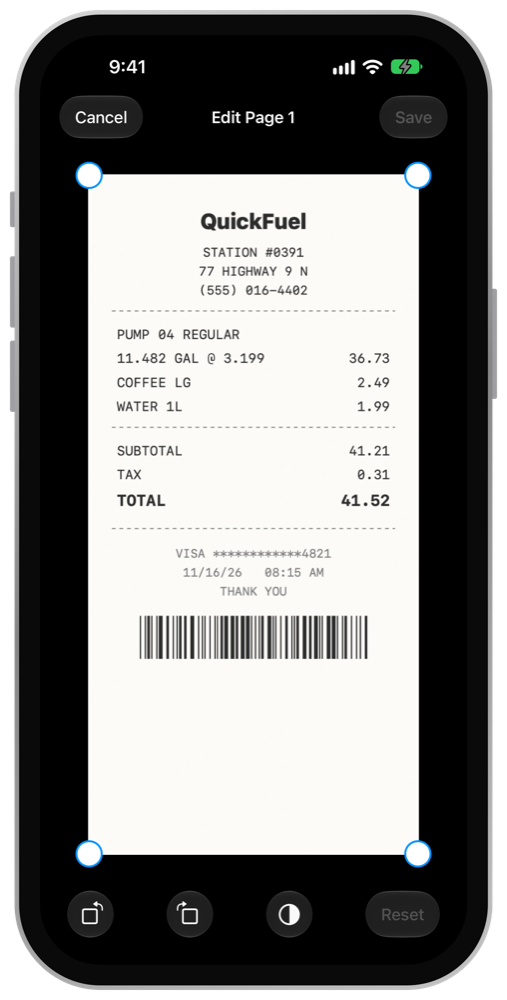
Caught a little of the table, or the page came out sideways? Open Edit and fix just that page.
Crop by dragging the corners
Rotate left or right
Switch a single page to Black & White
Your choice
Color or Black & White, three quality levels
In Settings, choose Color for photos, stamps, and highlighting, or Black & White for crisper text and smaller files. Then pick High, Medium, or Low quality. Medium is clear and a sensible size for most papers; Low makes the smallest files for email.
Tip for a perfect scan
Use good light and a contrasting background, like a white receipt on a dark table. If the room is dim, turn on the flashlight from the camera screen.
Use it for
Where this comes in handy
Receipts at the register
Scan the receipt before it goes in your pocket. It’s saved before it can fade or get lost.
Old papers in a drawer
Scan a stack of old papers once, then search them any time and shred what you don’t need.
Medical results
Keep visit summaries and lab results together as clean, readable PDFs.
More features
Works well with
Scan your first receipt in seconds
Free to download. No subscriptions, no ads, no account.